 Web Accountability
How it works
Try a sample account
Meet Alex, a fictional member of a small accountability group. Click through sample history, an incident, a weekly report, and device coverage. No sign-in or setup needed.
Explore the interactive demoFictional data only. Read-only: no monitoring, messages, or account changes.

One setting on each device
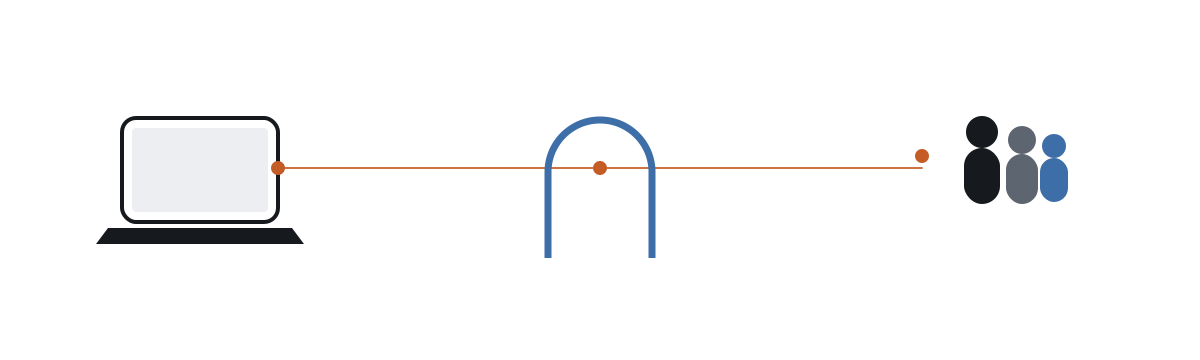
Every time an app or browser wants to reach a site, the device first asks a DNS server for the site's address. You change which server answers that question: each of your devices gets its own address like k7f2m9x1abcd.dns.example.com. On Android it is one field in Settings. On iPhone, iPad, and Mac it is a small profile. On Windows it is a script. Nothing else changes and no app runs in the background.
What we see, and what we never see
We see the name of every site and service your devices contact, when, and from which device. We do not see pages, searches, messages, passwords, or the traffic itself, which still travels directly between your device and the site.

Blocking and safe search
Sites in the categories you chose to block simply fail to load, and the attempt shows in your history. Google, Bing, DuckDuckGo, and YouTube are switched into their safe modes for you. Categorization is a best effort from public lists; there are misses, and there are mistakes you can mark as false positives.
Three levels
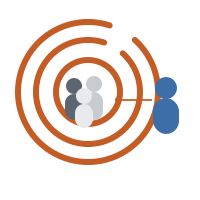
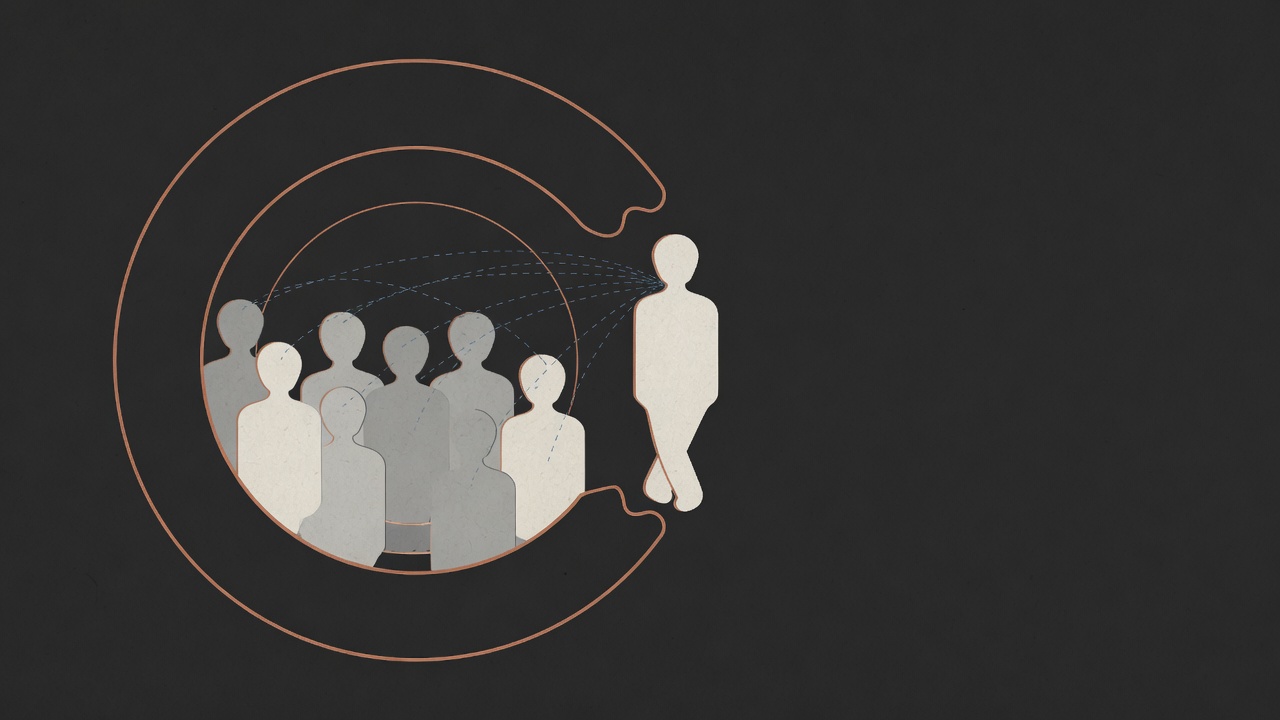
Level 1: everyone in your group can browse each other's history. Level 2: flagged sites open an incident and tell the group, who can reach out, acknowledge, mark a false positive, or escalate. Level 3: your anchor hears about it only when the group decides, you ask, or a threshold you set is crossed: several incidents in a week, an incident nobody responded to, or a device that went quiet without an explanation.
Turning it off
You can. Change the DNS setting back, turn on a VPN, remove a device, or leave the group. Each of those becomes visible to your group instead of being prevented. A long unexplained gap escalates, because you agreed it should.
Who pays
You pay only when your own devices are being monitored. Enrolling a device needs a subscription; watching does not. Joining a group to see someone else's history, acknowledge their incidents, and decide whether something reaches their anchor is free, so the people holding someone accountable are never the ones billed. Anchors pay nothing and do not even need an account.